For tile & flooring shops
Let customers see your tiles in their own room.
Add one link to your website. Your customer uploads a photo of their room, picks a product from your range, chooses floor or wall — and sees it rendered in seconds.
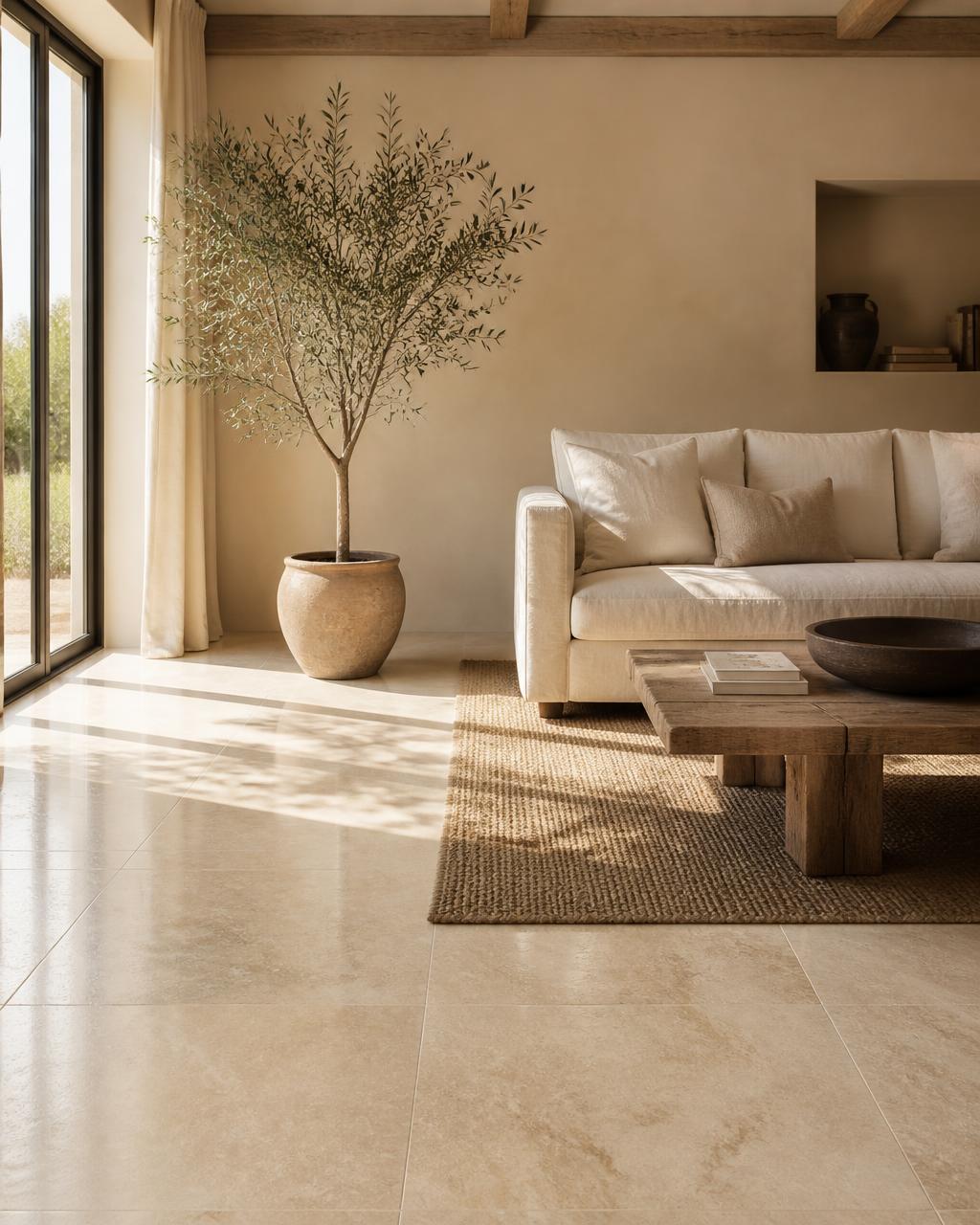
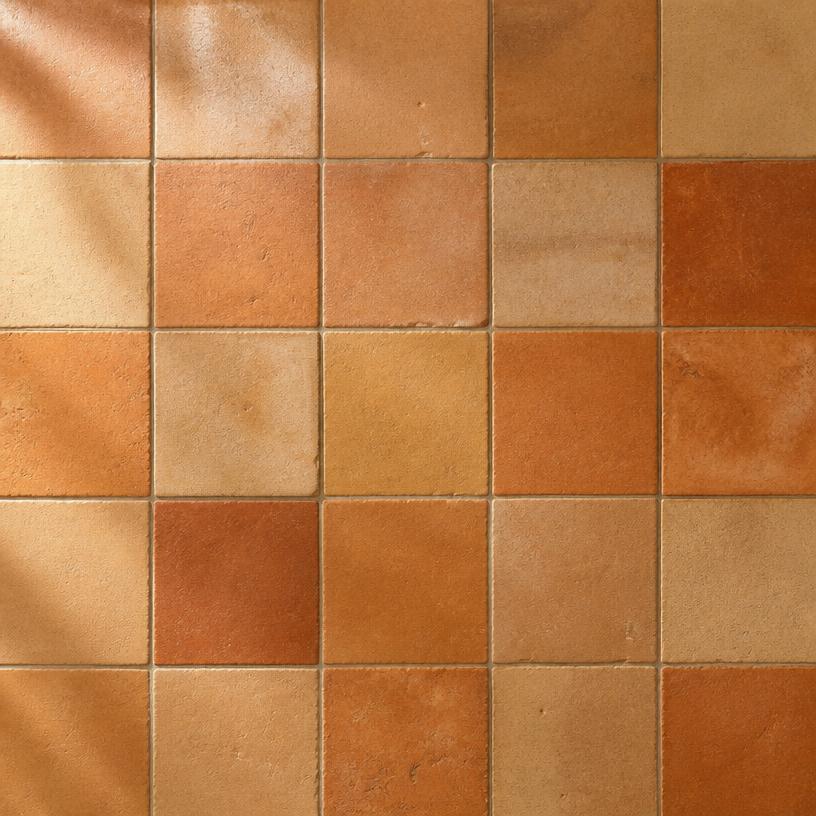
From shop to living room
A simple four-step process that changes how your customers shop for flooring.
Add your range
Upload your tiles and flooring with a name and whether they go on floors, walls or both.
Link it from your site
You get a branded page like /v/your-shop. Add it to your menu — no code, no plugins.
Customers upload a room
They snap their kitchen or bathroom, pick a product from the dropdown and choose the surface.
The room is re-rendered
Your material is applied photorealistically to their own room, so they buy with confidence.
Real example
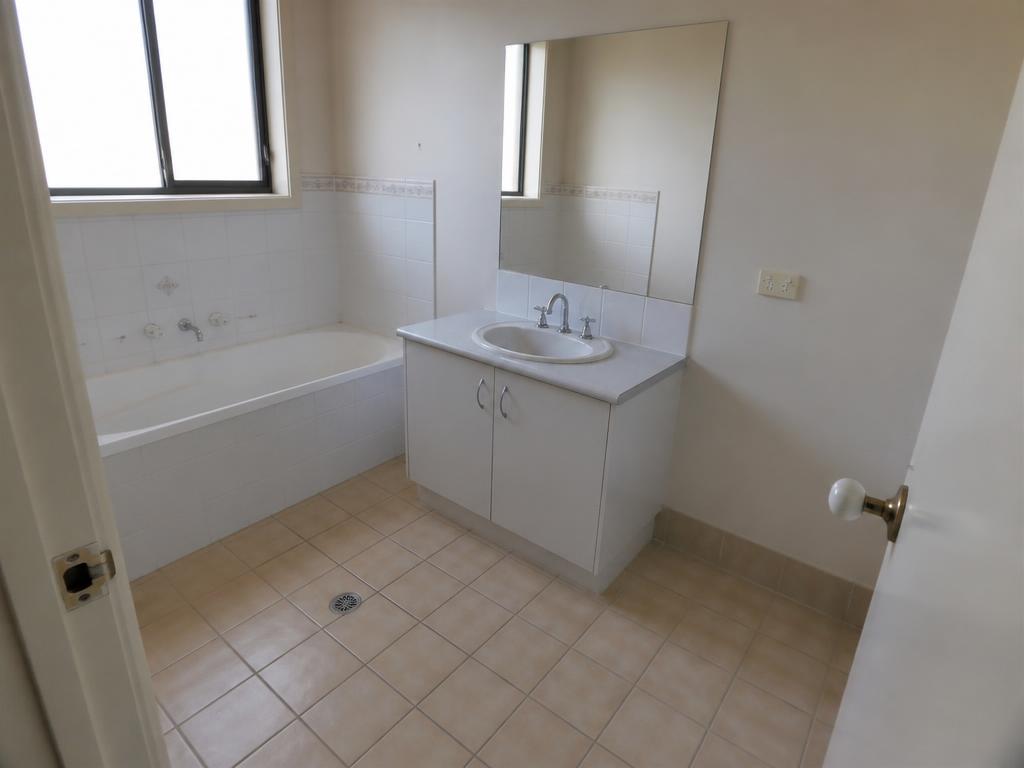
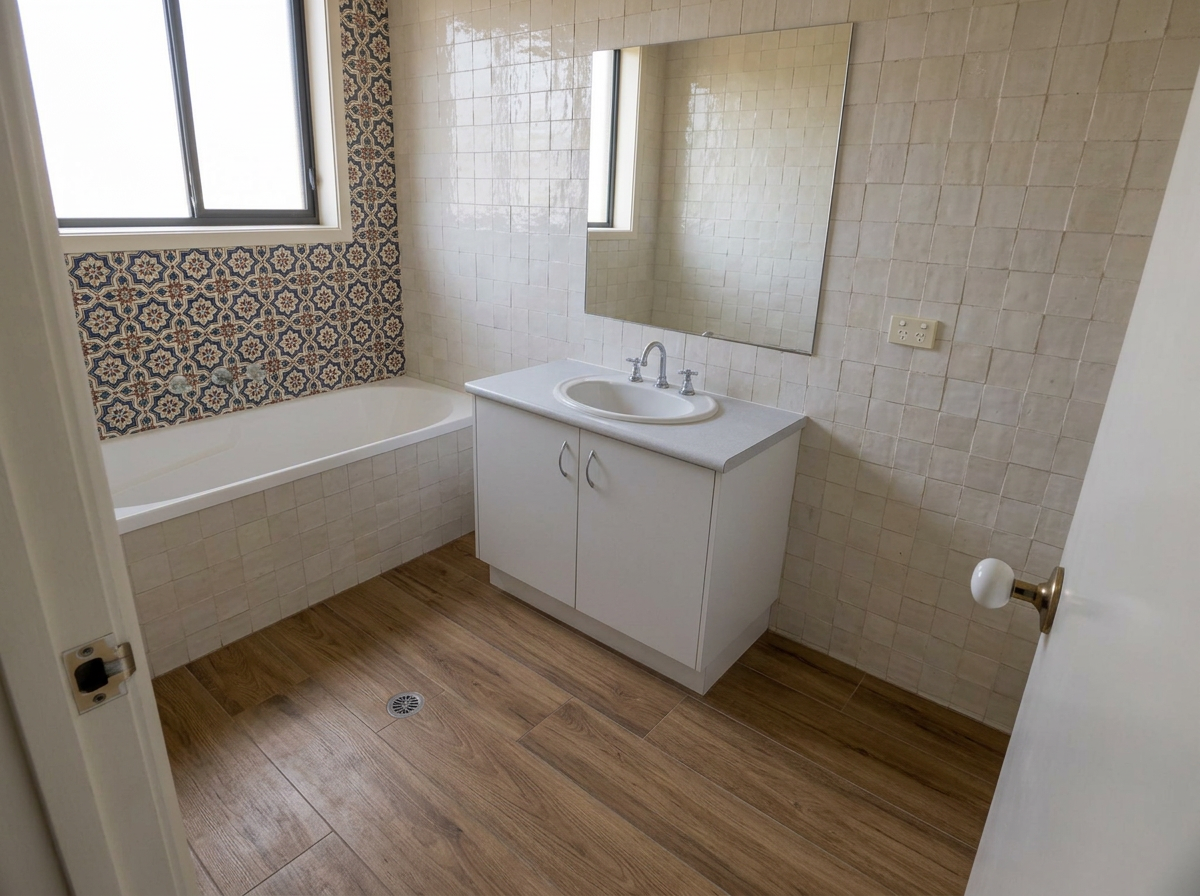
A customer photo in, a finished room out.
This is a plain phone snapshot of a dated bathroom, re-rendered with a wood-effect floor, full-height cream zellige walls and a patterned decor panel behind the bath.
“Customers used to take three samples home and come back a week later. Now they see it on their own floor and order the same day.”
Questions shop owners ask
- Do I need a developer to add this to my site?
- No. You get a link to your own branded page — add it to your menu or a button like any other link. If you'd rather keep customers on your site, there's a copy-paste embed snippet too.
- How long does a render take?
- Usually under a minute. Your customer uploads a photo, picks a product and surface, and the room comes back re-rendered while they wait.
- Whose branding shows — mine or yours?
- Yours. Upload your logo and pick your accent colour, and the page looks like part of your own website.
- Do I have to add every product?
- No — most shops start with their best sellers. You can add, edit or remove products from your dashboard any time.
- What if my customers' photos aren't perfect?
- A normal phone snapshot is fine. Good daylight and a clear view of the floor or wall give the best results.
- Can I cancel?
- Yes. Every shop gets a 14-day free trial with no card required. After that you choose a plan to continue, and you can cancel any time from your billing page.
Fewer “I can’t picture it” conversations.
Visualising a product in the real room is what turns browsing into ordering — and it cuts down returns from customers who expected something different.
Set up your shop